


Instruments
1200+
Trading volume
$1.5T+
Uptime
99%
Orders per month
100M+
Latency
<50ms
What is MT5?
MetaTrader 5 (MT5) is a multi-asset trading platform designed for forex, stocks, commodities, and futures trading, offering advanced tools, faster execution, and enhanced automation. It was launched in 2010 by MetaQuotes Software – the same company behind MetaTrader 4 (MT4).

Three ways MT5
goes further
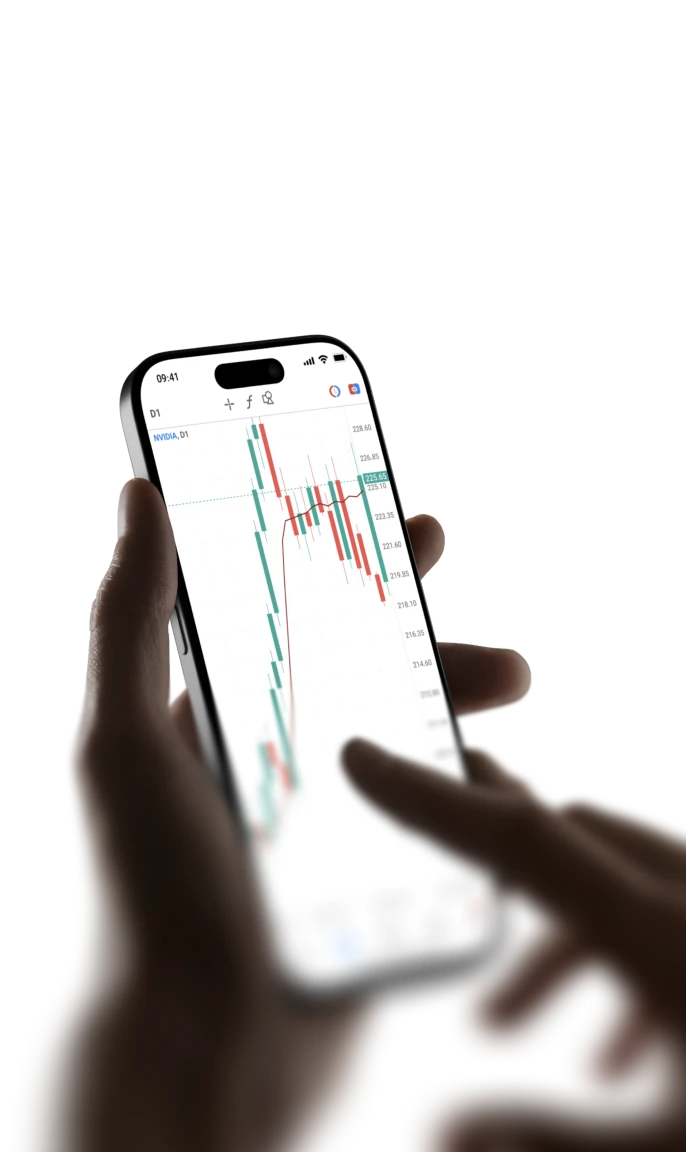
MT5 is built for traders who need more from their platform. More timeframes, more order types, and a faster architecture, all in one multi-asset environment.

A smarter way
to trade
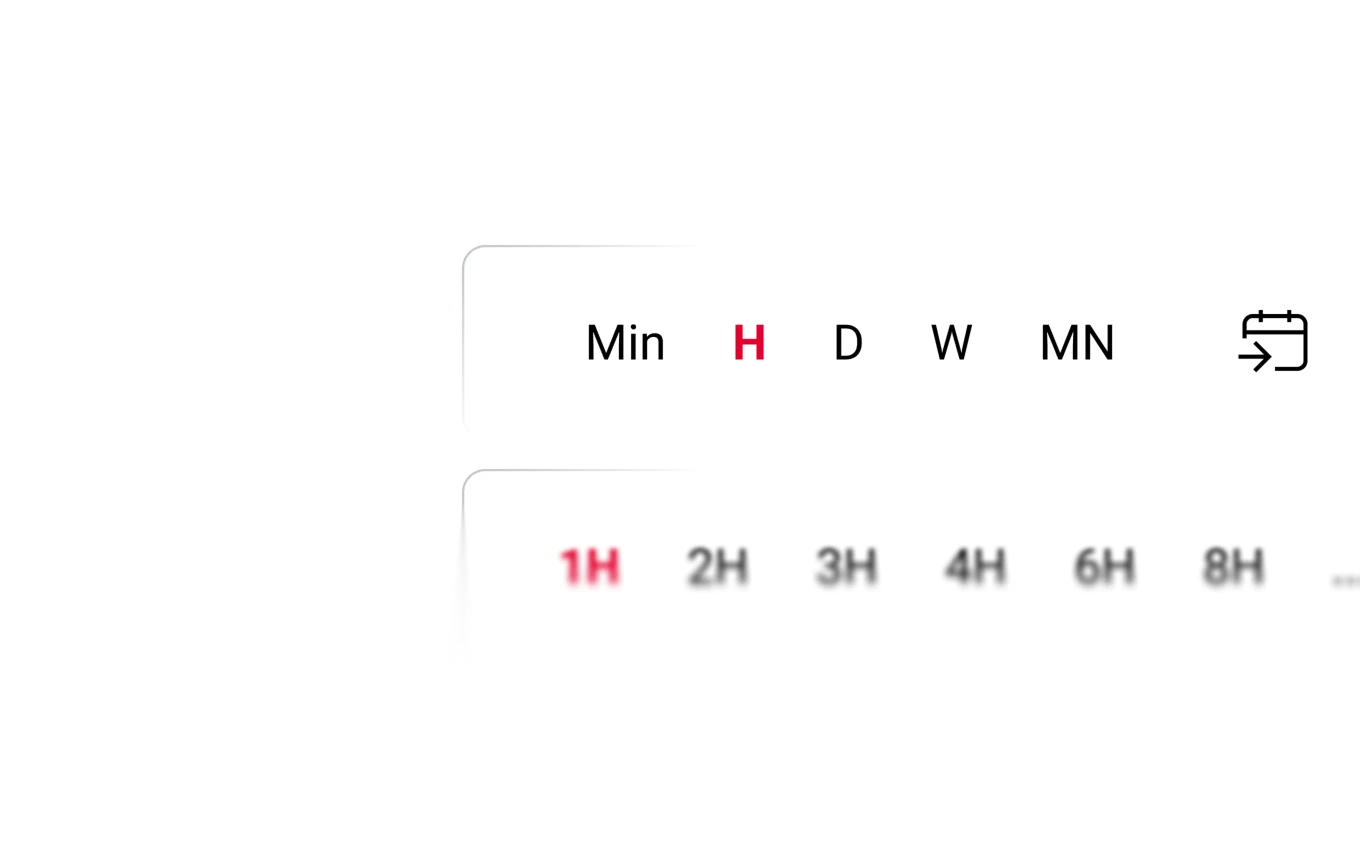
- 21 timeframes across multiple trading horizons
- 38 built-in technical indicators
- Use 44 graphical objects to mark up your charts
Multi-asset
trading, one account
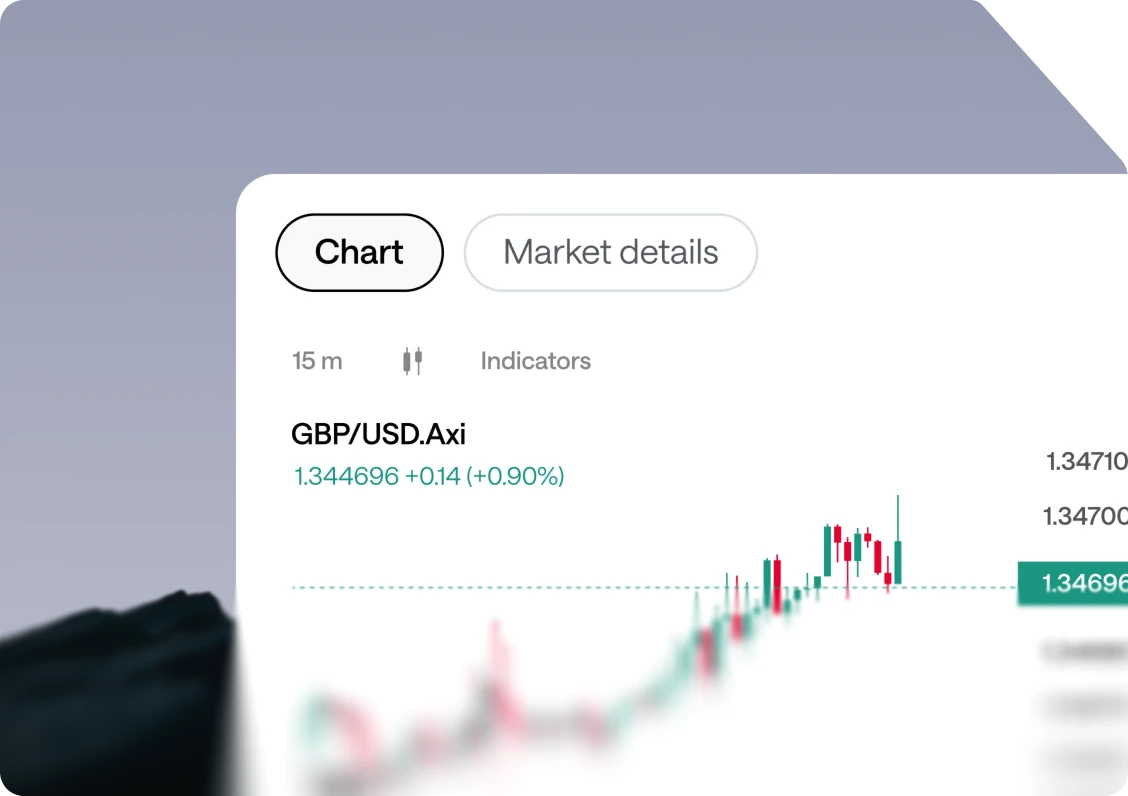
- Trade CFDs on forex, shares, indices, commodities, and crypto
- 24/7 trading in perpetual futures on pre-IPO companies, shares and more
- Depth of Market (DOM) view, integrated economic calendar
Built for
automated trading
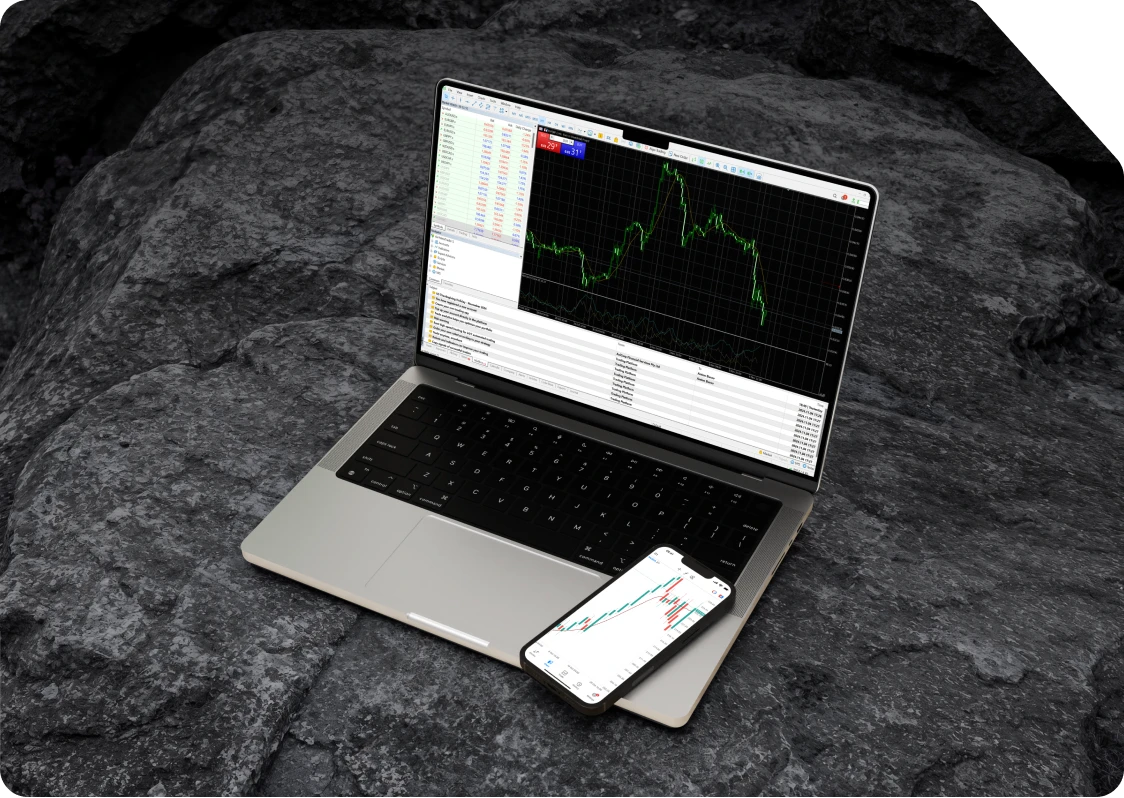
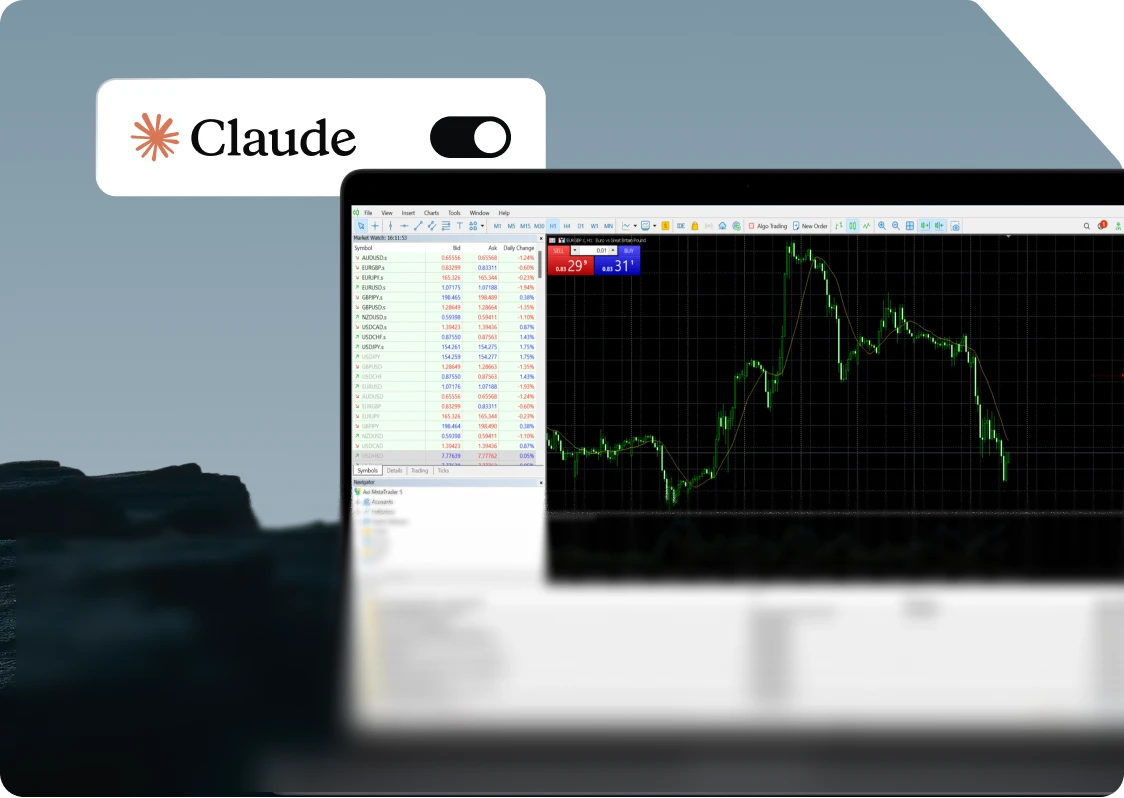
- Develop EAs and custom indicators with MQL5
- Run multi-threaded strategy testing
- Explore tools and EAs through the MQL5 community
Pre-IPO
Go long or short on premier private valuations before their stock exchange debut.

Shares
Trade price movements in some of the world’s most recognised companies, including NVIDIA, Apple, Tesla, Microsoft, Amazon, and Meta.

Crypto
Trade 150+ leveraged perpetual contracts across major digital assets, including Bitcoin, Ethereum, and Solana

Commodities
Trade perpetual contracts on global benchmark commodities, from precious and base metals to major energy markets.

ETFs
Access popular ETFs tracking major indices, regions, and market themes, including SPY, QQQ, IWM, as well as semiconductor-focused funds.




One account
More markets to explore
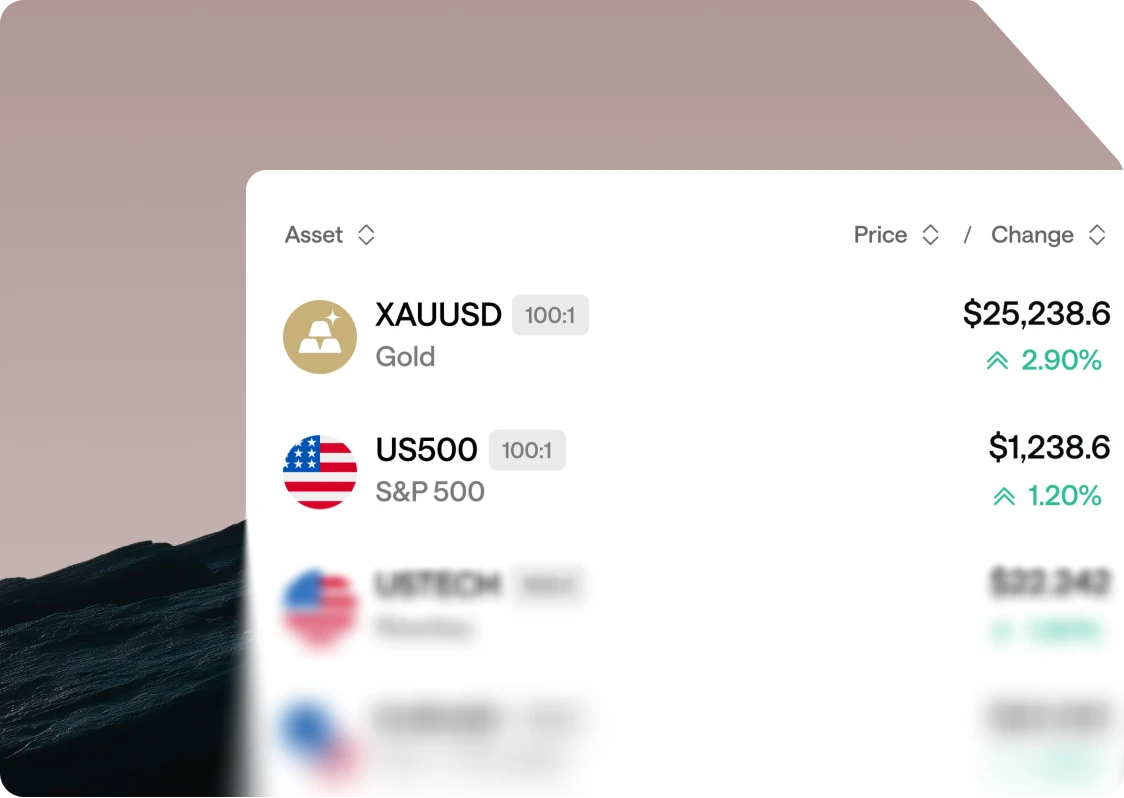
Discover trading opportunities across major global asset classes, from currencies and commodities to shares, indices, crypto, and CFDs on newly listed companies.




Your edge starts
with the right broker




FAQ
Yes. Use the Transfer Funds feature in the Client Portal to move funds between your MT4 and MT5 accounts.
Yes! You can now register for Axi Select using either an MT4 or MT5 account — whichever platform you prefer.
Yes, you can easily create an MT5 demo account.
Steps
1. Log in to the Client Portal
2. Navigate to the "Demo" tab.
3. Follow the prompts to open your new MT5 account.
Your MT5 demo accounts do not expire, allowing you to practise trading without time limits.
Speed
Since MT4 operates on 32-bit and MT5 on 64-bit, MT5 has higher information processing capabilities, making it smoother and faster.
Available Timeframes
In addition to the timeframes available on MT4, MT5 offers 2-minute, 3-minute, 4-minute, 6-minute, 12-minute, 20-minute, 2-hour, 3-hour, 6-hour, and 12-hour timeframes. The initial display on MT5 is the same as MT4, so to add other timeframes, right-click on the timeframe icon in the toolbar and select “Customize” to add them.
Additional Features of MT5
Market Depth: This feature allows you to view the current market order situation in real-time, showing how many order requests are at each price level.
Price Board: By displaying the price board, you can not only place multiple one-click orders but also check information such as low/high prices, spreads, and swaps. To change the symbols on the price board, right-click on “Symbols” or “Price Board” and add or remove symbols from “Symbols”.
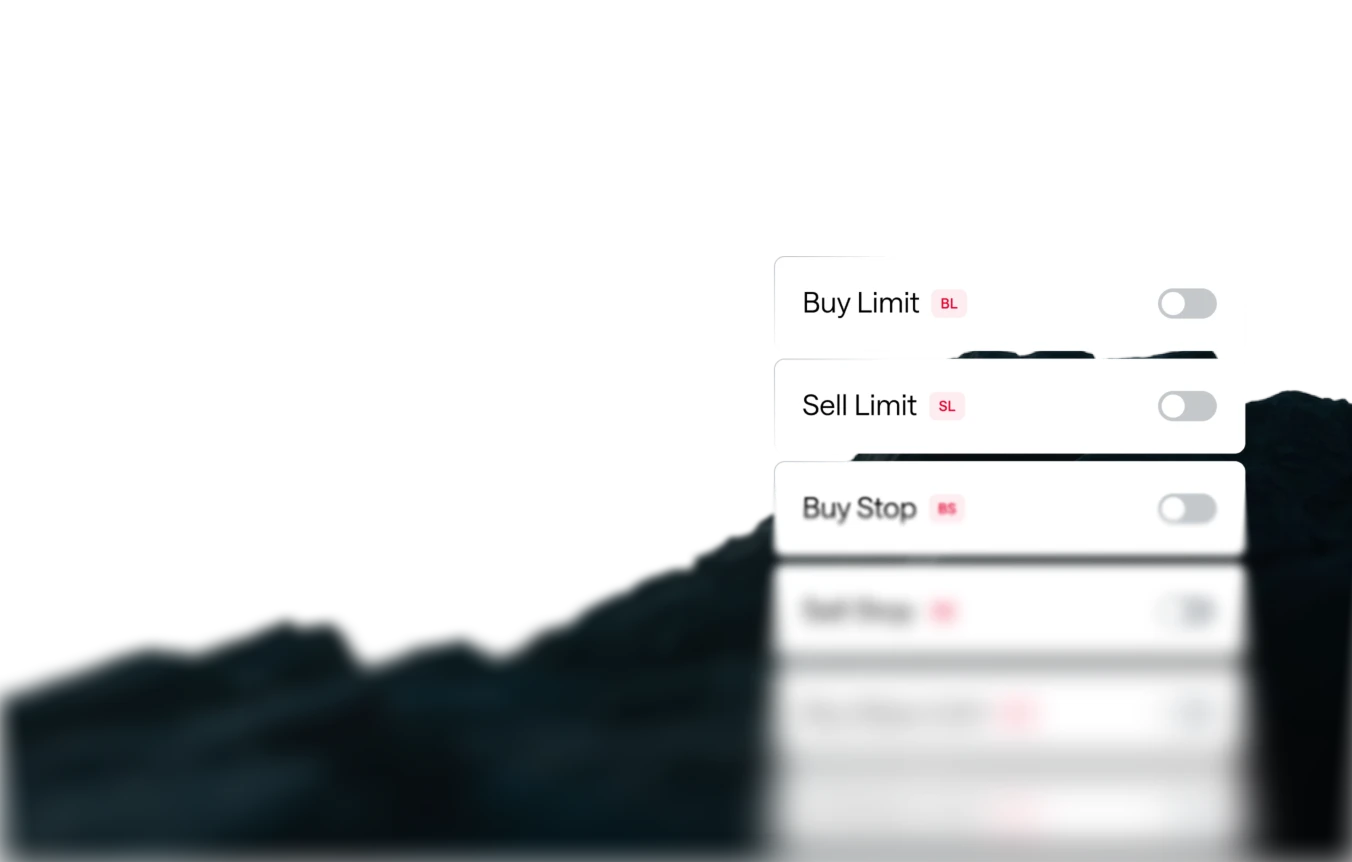
Stop Limit Orders: This order method allows you to automatically place a limit order when the specified price is reached. It can be used for strategies such as buying after breaking through a high or selling after breaking below a low.
Example 1: Buy Order
Current Price: 140 yen Stop Price: 145 yen Limit Price: 150 yen When the price reaches 145 yen, a buy limit order at 150 yen is triggered. This allows you to target a pullback after the price enters an uptrend.
Example 2: Sell Order
Current Price: 140 yen Stop Price: 135 yen Limit Price: 130 yen In this case, when the price reaches 135 yen, a sell limit order at 130 yen is triggered. This allows you to target a rebound after the price enters a downtrend. Buy Stop Limit: An order to buy at a specified price higher than the current price, which becomes effective when that price is reached. Sell Stop Limit: An order to sell at a specified price lower than the current price, which becomes effective when that price is reached.
Custom Indicators MT4 has a richer set of custom indicators. Since MT4 custom indicators are not compatible with MT5, those who want to use custom indicators may choose MT4.
Differences between trading on MetaTrader 4 and MetaTrader 5
You can download the MT5 terminal either from the links provided on this page or directly from the Axi Client Portal.
- Index Cash CFDs
- Cryptocurrency CFDs
- Futures - Commodities CFDs
- Futures - Indices CFDs
- Share CFDs
- Standard Forex CFDs
- Standard Metals CFDs
- ETF CFDs
To connect your account, select the MT5 server (US50) when logging in. Next, open the Axi Copy Trading app and link it to your funded MT5 account.
Currently, the highest available leverage is 1000:1. The currencies that are available are: USD, JPY, EUR, GBP, SGD, and AUD.
Existing Axi clients can open MT5 accounts by logging into the Axi Client Portal and selecting the "Add a new account" button.
Standard and Premium accounts are eligible for MT5 at the moment. Premium and Elite accounts are in scope for a future update.
A current, supported 32-bit version of the MT5 desktop platform is no longer available. Use a compatible 64-bit Windows computer, or access MT5 WebTrader through a supported browser without installing the desktop platform.
Yes. You can download MT5 for desktop or mobile free of charge. Downloading the platform is separate from the costs of live trading, such as spreads and any applicable commissions, which depend on your account and the instruments you trade.
Yes. MT5 WebTrader lets you access the platform through a web browser without installing the desktop application. You can view charts, place orders and manage your trading account online.